
Blog
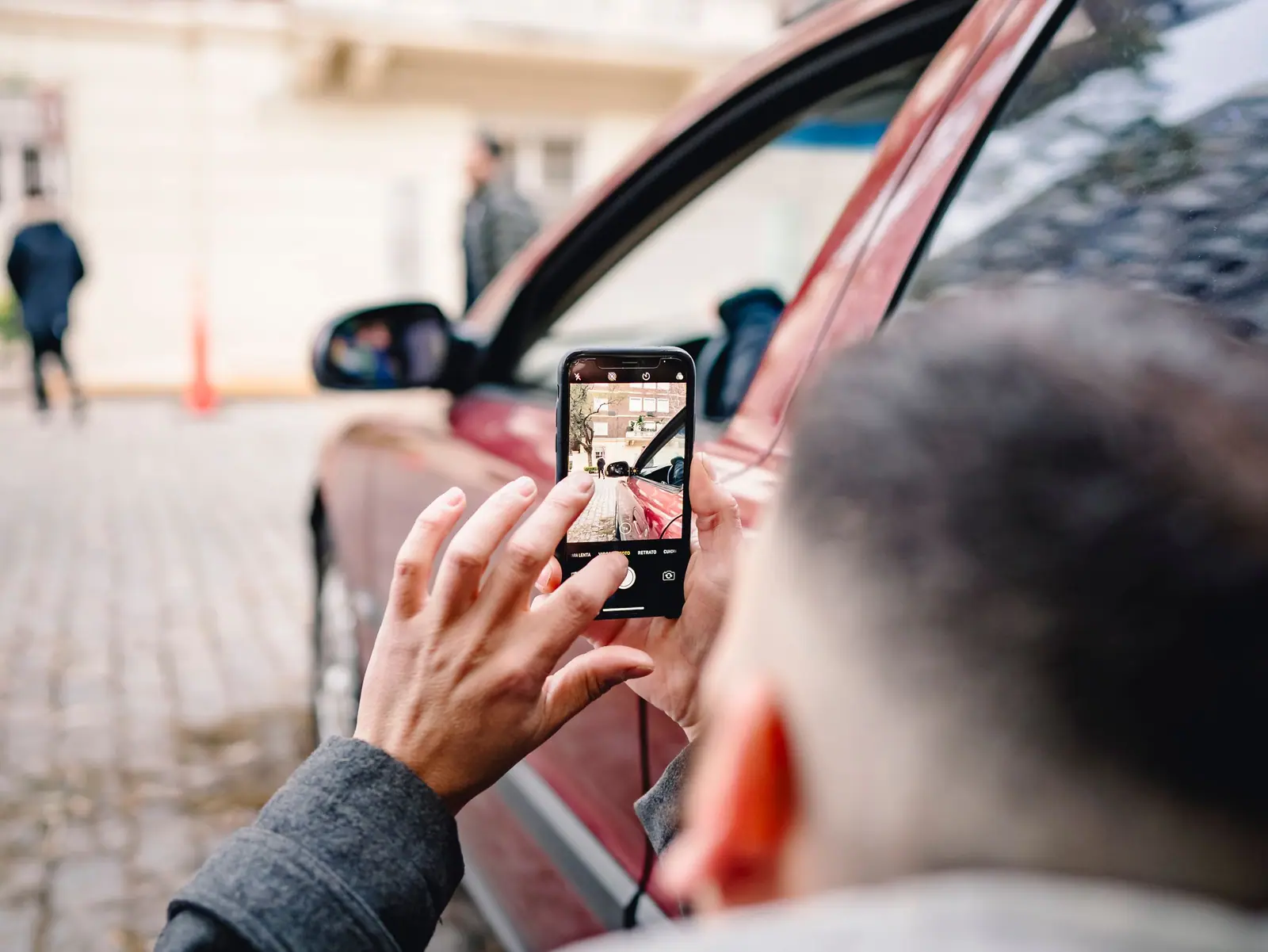
How to film a car walkaround video with your phone
By the Drive Good team · October 2026 · 3 min read
In short: clean the vehicle, film in soft daylight, hold the phone vertically and follow the same path every time: front, driver's side, rear, passenger side, interior, dashboard, cargo. Keep it to 30 to 60 seconds for Marketplace, Instagram and TikTok.
What you need
- Your phone, with a clean lens
- Optional: a phone stabilizer (gimbal) for smooth walking shots
- Optional: a clip-on microphone if you talk on camera
Phone settings
- Vertical (9:16) for Marketplace, Instagram Reels and TikTok. Add a horizontal version only if you need one for your website.
- 4K or 1080p at 30 frames per second.
- Grid on, to keep the vehicle level.
- Lock focus and exposure: press and hold on the vehicle until the lock appears.
Light and location
Film in the shade or on a cloudy day. Avoid midday sun, which creates hard reflections, and night shots on the lot. Pick one clean spot with a simple background and use it for every vehicle: your videos will look like a series.
The shot list
| # | Shot | Seconds | Tip |
|---|---|---|---|
| 1 | Front three-quarter | 4 | Start here: it's often the thumbnail |
| 2 | Walk along the driver's side | 5 | Slow and steady, at chest height |
| 3 | Rear three-quarter | 3 | |
| 4 | Walk along the passenger side | 5 | |
| 5 | Wheels and tires | 3 | Show the tread |
| 6 | Driver's door open, front seats | 5 | |
| 7 | Dashboard, engine running | 5 | Show the mileage and no warning lights |
| 8 | Screen and key features | 6 | Backup camera, phone connection, heated seats |
| 9 | Rear seats and cargo area | 5 | Fold a seat to show the space |
| 10 | Engine | 4 | Optional |
| 11 | Any damage | 3 | Honesty builds trust |
| 12 | Last frame | 3 | "Message us to book a test drive" |
About 50 seconds in total.
Talk, captions or music?
A salesperson talking on camera builds trust: say the year, make, model, mileage and one reason to buy. Add captions, since many people scroll with the sound off. For music, use the music offered inside Instagram or TikTok rather than songs you don't have the rights to.
RVs, motorcycles and powersports
- RVs and trailers: walk slowly from the door to the back, open the slide-outs and show the beds, kitchen and bathroom.
- Motorcycles, ATVs and side-by-sides: start the engine on camera, show the hours or mileage and any accessories.
- Boats: film on the trailer from all sides, then the helm and the engine hours.
6 mistakes to avoid
- Walking too fast
- Zooming in and out
- Wind noise on the microphone
- A dirty vehicle or a messy background
- Filming at night under lot lights
- Videos that run too long for social media
Where to use your video
Your Marketplace listing, your Facebook groups, Instagram Reels, TikTok and the vehicle's page on your website. For Google vehicle ads, Google recommends uploading your own videos (Google). Name every file the same way: stock number, year, make, model.
No time to film?
DriveGood AI creates videos of your vehicles for Marketplace, Instagram and TikTok, from your photos or from the footage you film. Discover DriveGood AI →
Frequently asked questions
Vertical or horizontal?
How long should a walkaround video be?
Should I say the price in the video?
Keep reading
All articles →How to write a vehicle description that sells (with examples)
A simple formula for vehicle descriptions that get messages, with examples for a sedan, a pickup and an RV, plus the mistakes to avoid.
ReadHow to take car photos that sell, with your phone
The light, angles, order and settings that make vehicle photos get more messages on Marketplace and your website, shot with a phone.
ReadHow to follow up with car buyers who stop answering
When to follow up, what to say by text and email, and when to stop: a simple follow-up plan for car, RV and powersports dealers.
Read
Ready to get more leads?
Book a 20-minute demo with your own vehicles. Pick a time, and we call you. No long-term contract.
Reach us your way
DriveGood AI answers right away. Our team replies the same business day, Monday to Friday.