

Blog
How to take car photos that sell, with your phone
By the Drive Good team · October 2026 · 4 min read
In short: clean vehicle, soft daylight, a clear background and the same 20 angles in the same order for every vehicle. Hold the phone at headlight height, never zoom, and show the flaws as clearly as the features. Buyers trust what they can see.
Before you shoot
- Clean it inside and out. Dust on the dashboard shows in every photo.
- Pick the spot. An open area of the lot, no other vehicles behind, no garbage bins, no power lines across the roof.
- Pick the time. Cloudy days and the hour after sunrise or before sunset give soft light without harsh reflections.
- Wipe the lens. A greasy phone lens makes every photo look foggy.
Phone settings
- Use the main camera, not the ultra-wide, for the outside shots. Wide lenses stretch vehicles.
- Shoot horizontal for listings, vertical for stories and TikTok.
- Turn on the grid to keep the horizon straight.
- Never use digital zoom: walk closer instead.
The 20 shots, in order
- Front three-quarter (your cover photo)
- Front
- Driver side
- Rear three-quarter
- Rear
- Passenger side
- Wheels and tires, with the tread visible
- Driver's seat from the open door
- Dashboard and steering wheel
- Odometer showing the mileage
- Center screen and controls
- Front seats
- Rear seats
- Cargo area or truck bed
- Engine
- Keys
- Special features: sunroof, tow hitch, third row
- Any scratch, dent or wear, up close
- Window sticker or service records, if you have them
- A final wide shot of the vehicle on your lot
Shooting in the same order every time makes your listings consistent and much faster to post.
Mistakes that cost you messages
- Stock photos. Buyers want the vehicle they'll drive home.
- Dark or blurry photos. They make buyers wonder what you're hiding.
- Hiding the flaws. A buyer who finds a scratch you didn't show is a buyer who leaves.
- Busy backgrounds. The vehicle should be the only thing to look at.
Then add a video
Photos get the click; a 30- to 60-second walkaround answers the questions. How to film a car walkaround video with your phone
Drive Good puts your vehicles on Marketplace with the right photos in the right order, adds a video created by DriveGood AI and answers every buyer. Book a demo →
Frequently asked questions
How many photos should a vehicle listing have?
Should I edit the photos?
Are phone photos good enough?
Keep reading
All articles →How to follow up with car buyers who stop answering
When to follow up, what to say by text and email, and when to stop: a simple follow-up plan for car, RV and powersports dealers.
ReadHow dealers can sell more vehicles in winter
Winter-ready listings, the vehicles buyers look for in the cold, tax-season timing and off-season plans for RV and powersports dealers.
ReadYour dealership's Facebook page: a 10-point checklist
Ten things every dealership Facebook page needs to turn visitors into leads: profile, contact buttons, hours, reviews, posts and fast Messenger replies.
Read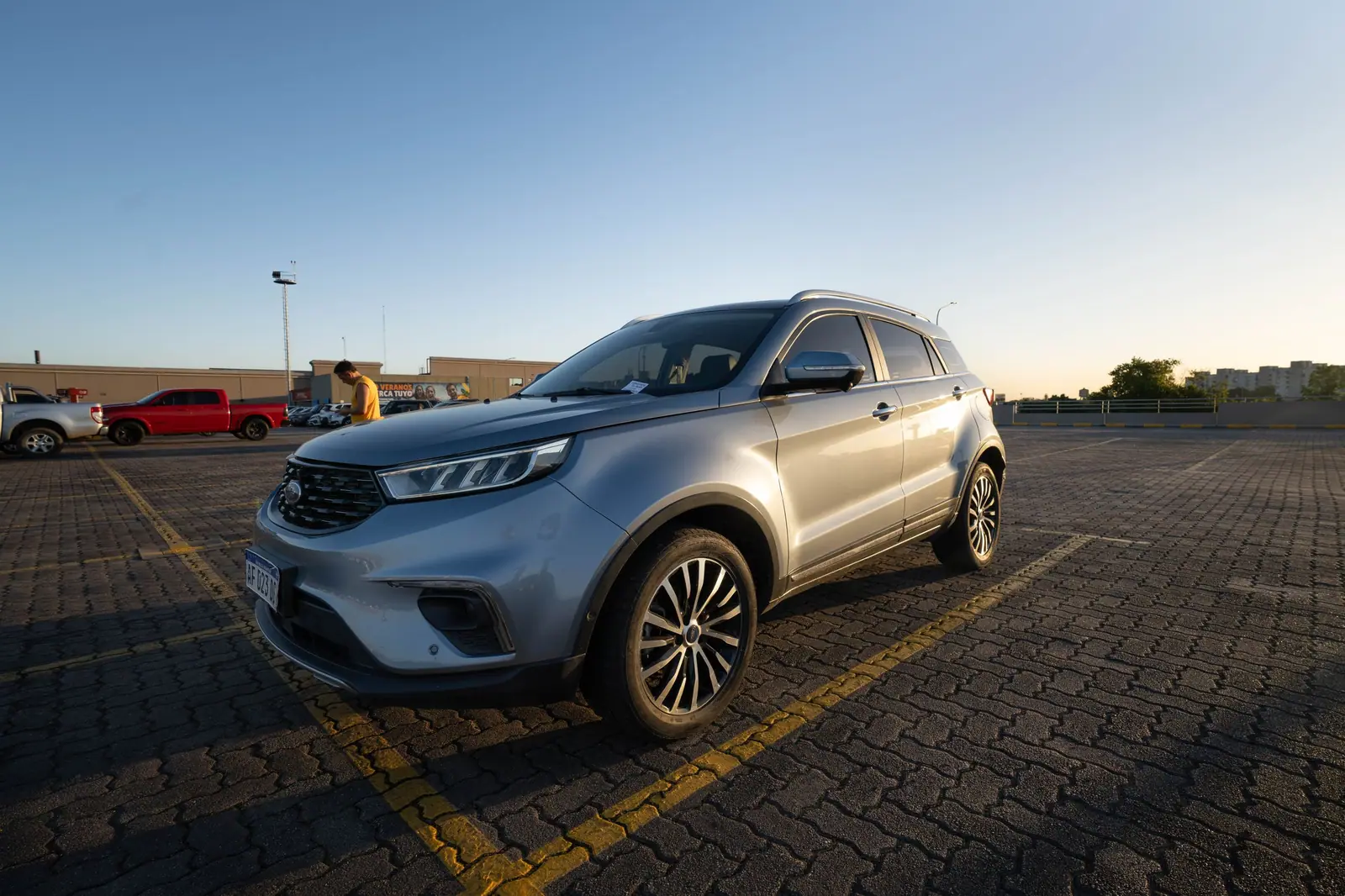
Ready to get more leads?
Book a 20-minute demo with your own vehicles. Pick a time, and we call you. No long-term contract.
Reach us your way
DriveGood AI answers right away. Our team replies the same business day, Monday to Friday.